


Unlock the Power of Connectivity-Ultimate Guide to Mercedes Android Auto
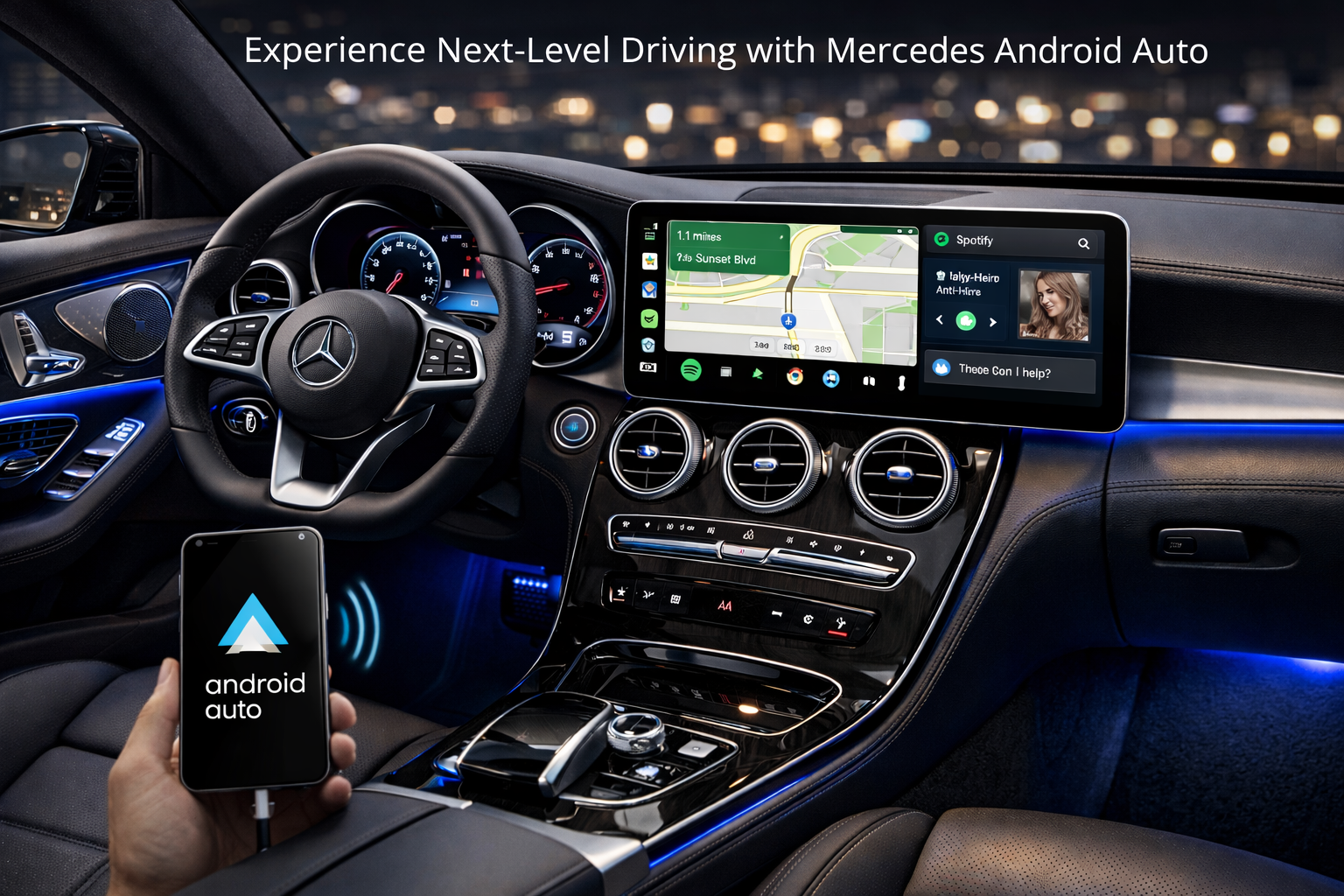
Today, staying connected while on the road is more than a convenience. It’s a necessity. For Mercedes drivers in Australia, integrating your smartphone seamlessly with your vehicle can significantly enhance both safety and entertainment. Android Auto offers an exceptional platform to unlock this power of connectivity, turning your Mercedes into a smart, responsive cockpit that keeps you connected, entertained, and focused on the journey ahead.
What is Android Auto and Why It Matters in Your Mercedes
Android Auto is developed by Google, which allows you to mirror key apps from your Android smartphone onto your car’s infotainment screen. Whether you need to navigate unfamiliar streets, respond to messages safely, or enjoy your favourite playlists, Mercedes Android Auto provides a simplified, driver-friendly interface designed to reduce distractions.
For Mercedes owners, this integration is a game-changer. Many models also come equipped with advanced infotainment systems like MBUX (Mercedes-Benz User Experience), which are designed for seamless smartphone integration. Android Auto augments these systems by supporting navigation apps like Google Maps, music streaming services such as Spotify, and hands-free communication through Google Assistant.
Benefits of Using Android Auto in Your Mercedes
There are several compelling reasons why integrating Android Auto into your Mercedes is worth considering:
- Enhanced Safety: Android Auto reduces the need to handle your phone while driving. Voice commands through Google Assistant let you send texts, make calls, and control apps without taking your eyes off the road.
- Streamlined Navigation: Getting lost on Australian roads is a worry of the past with real-time traffic updates and voice-guided navigation from Google Maps or Waze.
- Entertainment on the Go: Whether it’s music, podcasts, or audiobooks, you can enjoy your preferred audio content without fumbling for your phone.
- Convenience: Once set up, Android Auto automatically connects when you enter your vehicle, providing a consistent and reliable experience without complicated manual steps.
How to Set Up Android Auto in Your Mercedes
Setting up Android Auto in your Mercedes is straightforward. Here’s a step-by-step guide to help you get started:
- Check Compatibility: Ensure your Mercedes model supports Android Auto. Most vehicles produced in recent years include this feature. The official Mercedes website or your owner’s manual can confirm compatibility.
- Download the Android Auto App: On your Android smartphone, download the official Android Auto app from the Play Store if it’s not pre-installed.
- Connect Your Phone: Use a high-quality USB cable to connect your smartphone to the car’s USB port. Some newer Mercedes models also support wireless Android Auto.
- Allow Permissions: Follow the prompts on your phone and Mercedes display to grant necessary permissions for Android Auto to function.
- Start Using Android Auto: Once connected, the Android Auto interface will appear on your car’s display. Use audio commands, steering wheel controls, or the touchscreen to interact safely.
Troubleshooting Common Android Auto Issues
Some users might face occasional challenges when using Android Auto in their Mercedes. Here are common issues and solutions:
- Connectivity Problems: If Android Auto doesn’t start automatically, check your USB cable for damage or try a different USB port. Also, make sure the Android Auto app and your phone’s software are up to date.
- Voice Commands Not Working: Ensure Google Assistant is enabled and that your phone’s microphone is functioning. Reboot both your smartphone and your car’s infotainment system if necessary.
- App Compatibility Errors: Not all apps support Android Auto. Stick with the recommended apps like Google Maps, Spotify, and WhatsApp for the best experience.
If you continue experiencing issues, consulting your Mercedes dealership or a trusted automotive electronics specialist can provide tailored support.
Why Australian Mercedes Drivers Should Embrace Android Auto
Navigating Australia’s expansive urban and rural landscapes demands reliable and intuitive technology. Android Auto enhances your driving experience by bringing smart, safe connectivity to your Mercedes with features tailored to Australian drivers, such as:
- Access to local traffic updates and alternate route suggestions during peak travel times in cities like Sydney and Melbourne.
- Hands-free calling and messaging to stay connected with friends, family, and work without distraction.
- Integration with Australian apps and services that work seamlessly through Android Auto.
Embracing Android Auto isn’t just a tech upgrade; it’s investing in safer, smarter journeys on Australian roads.
The Nevera Auto Difference for Mercedes Connectivity
For Mercedes owners seeking expert guidance and professional installation of Android Auto systems, Nevera Auto stands out as Australia's trusted automotive technology partner. With years of experience in advanced car electronics, Nevera Auto ensures your Android Auto setup is flawless and optimised for your specific Mercedes model.
Nevera Auto combines expert knowledge of Mercedes infotainment systems with a commitment to customer satisfaction, making the transition to smart connectivity smooth and hassle-free. Whether you need installation, troubleshooting, or personalised advice on maximising tech in your Mercedes, Nevera Auto is the go-to solution.
By choosing Nevera Auto, Australian drivers can unlock the full potential of their Mercedes vehicles with the power of Android Auto, ensuring every drive is connected, convenient, and safe.

 English
 Arabic
 French
 Spanish
 Portuguese
 Deutsch
 Turkish
 Dutch
Dutch
 Italiano
 Russian
 Romaian
 Greek
Greek