


How to Build a Reliable IPTV Setup for Better Everyday Streaming
How to Build a Reliable IPTV Setup for Better Everyday Streamin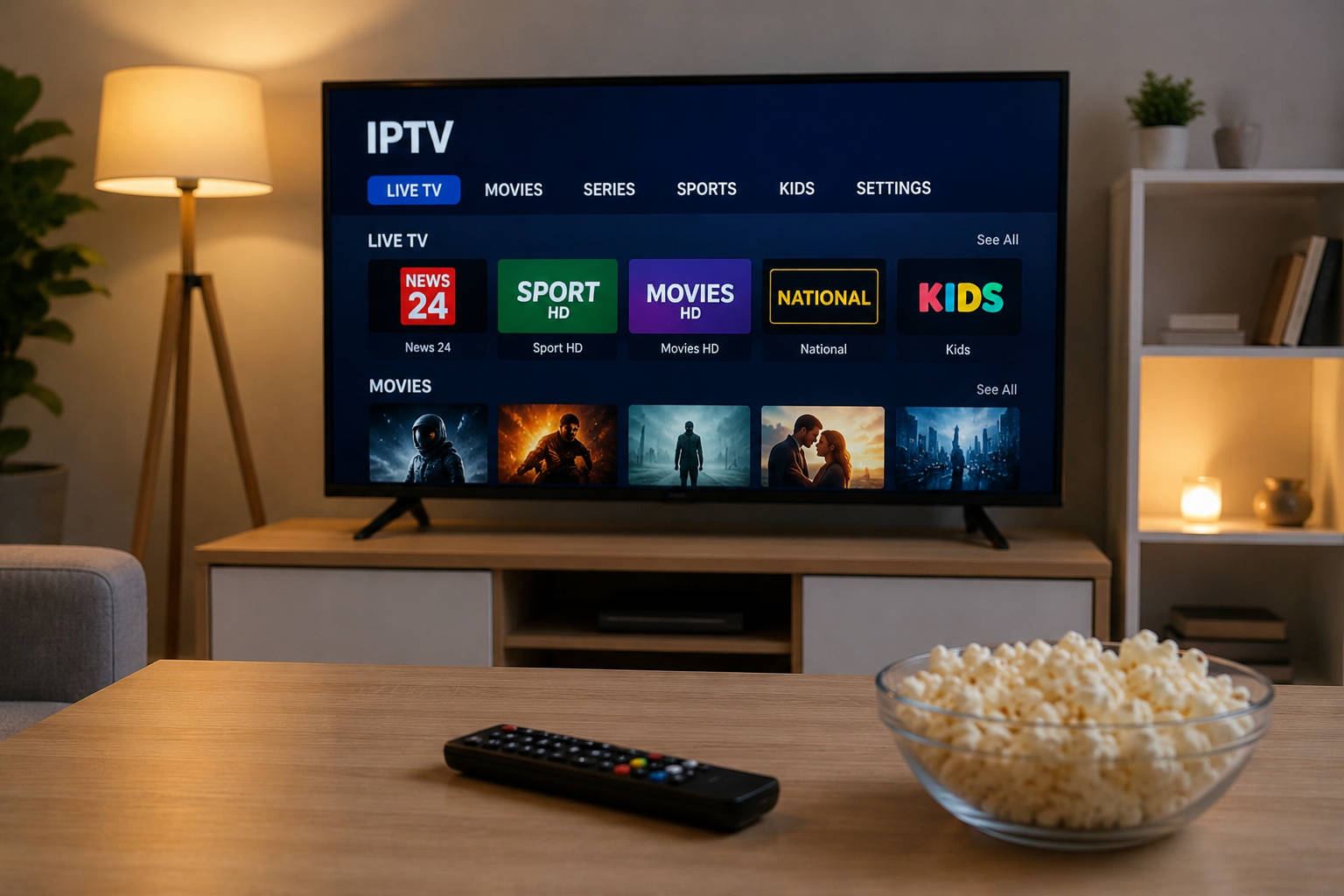
Internet-based television has changed the way people access live channels, movies, series, and other video content. Instead of relying only on traditional cable, satellite, or terrestrial television, IPTV delivers television streams through an internet connection.
The technology can be convenient, but the quality of the viewing experience depends on much more than simply installing an IPTV application. Your internet connection, home network, streaming device, application, display settings, and service provider can all influence performance.
Understanding these elements makes it easier to create a reliable IPTV setup and avoid common problems such as buffering, freezing, slow channel loading, or poor picture quality.
Understanding How IPTV Works
IPTV stands for Internet Protocol Television. It refers to television content delivered through internet protocols rather than conventional broadcast infrastructure.
When you select a live channel or video, your IPTV application communicates with a remote streaming system and receives the necessary video data through your internet connection.
This means IPTV performance depends heavily on the complete path between the content source and your screen.
That path may include:
- The IPTV service
- Your internet service provider
- Your modem and router
- Wi-Fi or Ethernet connectivity
- Your streaming device
- The IPTV player or application
- Your television or display
A problem with any part of this chain can affect the final viewing experience.
Start With a Stable Internet Connection
Internet speed matters for streaming, but stability is equally important.
A connection that reaches a high maximum speed but regularly experiences interruptions may perform worse than a moderately fast connection that remains consistent.
Check Your Connection Before Troubleshooting IPTV
Running an internet speed test can help determine whether your connection is performing normally. Pay attention not only to download speed but also to latency and whether speeds fluctuate dramatically between tests.
Other devices can also affect available bandwidth. Large downloads, cloud backups, online gaming, software updates, and multiple simultaneous video streams may compete for the same connection.
If IPTV performs well when other devices are inactive, network congestion could be part of the problem.
Ethernet Can Improve Reliability
Wi-Fi is convenient, but a wired Ethernet connection is often more predictable for televisions and streaming boxes that remain in one location.
Ethernet can reduce problems caused by:
- Wireless interference
- Thick walls
- Long distances from the router
- Crowded Wi-Fi channels
- Weak signal strength
Using Ethernet does not guarantee perfect streaming, but it removes several common wireless variables from the setup.
Choose the Right Device
IPTV can run on many types of devices, including Smart TVs, dedicated streaming boxes, smartphones, tablets, and computers.
The best option depends on how and where you prefer to watch television.
Smart TVs
A compatible Smart TV can provide a simple setup because an additional box may not be required. Users can install an IPTV player supported by their television platform and configure it with the information provided by their service.
However, televisions vary significantly in processing power, available storage, operating systems, and app support.
Older models may feel slower when navigating large channel lists or electronic program guides.
Streaming Boxes
Dedicated streaming devices can be useful when a television has limited app support or an outdated operating system.
Android TV devices, Apple TV, Fire TV products, and other media players can support different IPTV applications depending on the platform.
Before choosing a device, check whether your preferred IPTV player is officially available for that operating system.
Computers, Phones, and Tablets
Mobile devices and computers provide additional flexibility, particularly when travelling or watching away from the main television.
A laptop may also be useful when troubleshooting because it allows you to determine whether a problem is related to your television, application, or network.
Select an IPTV Player Carefully
An IPTV service and an IPTV player are not necessarily the same thing.
The provider supplies access to the television streams, while the player is the software used to organize and display them.
Players can support different login methods and playlist formats. Depending on the service, configuration may involve credentials, a playlist URL, or another supported connection method.
Useful player features may include:
- Electronic program guide support
- Favorites
- Channel categories
- Search
- Parental controls
- Multiple playlist support
- External player integration
- Catch-up support when available from the service
Choose features that you will actually use rather than assuming the application with the longest feature list is automatically the best choice.
Evaluate the IPTV Service Before Committing
The quality of the provider can have as much influence on streaming as the hardware inside your home.
Before purchasing a longer subscription, review information about device compatibility, account limitations, available support, setup requirements, and subscription conditions.
Users comparing IPTV options can review services such as MONSTER IPTV alongside other providers to understand the available subscription and setup choices.
It is also important to consider content rights. Availability of television channels, sports, movies, and other programming can vary by country and provider. Users should select services that have appropriate authorization to distribute the content they offer in their region.
Understand Video Quality Settings
Higher resolution generally requires more bandwidth and more processing power.
Common video formats include:
HD
High-definition streams provide a good balance between picture quality and bandwidth usage. They can be practical when internet capacity is limited or several people share the same connection.
Full HD
Full HD provides additional image detail and is widely used for television, movies, and sports.
4K and UHD
Ultra-high-definition video can provide excellent picture quality on compatible televisions, but it places greater demands on the connection, streaming device, and source.
Selecting 4K does not automatically improve every stream. The original content must actually be available in the appropriate resolution and the entire playback chain must support it.
Reduce IPTV Buffering and Freezing
Occasional streaming problems can happen with any internet-delivered video service. If IPTV begins buffering frequently, troubleshooting the setup systematically is better than changing several settings at once.
Restart the Network Equipment
Restarting the modem, router, and streaming device can clear temporary connection problems and refresh network sessions.
Test With Ethernet
If you normally use Wi-Fi, connect the streaming device directly to the router temporarily.
If the problem disappears, the wireless network deserves further investigation.
Close Background Applications
Streaming boxes and Smart TVs have limited memory and processing resources. Closing unused applications can sometimes improve responsiveness.
Update the IPTV Application
Older application versions may contain bugs or compatibility issues. Use updates provided through the official application store or developer.
Test Another Device
Trying the same service on a different compatible device can help isolate the problem.
If several devices experience identical issues on the same connection, the cause may be related to the network or streaming source rather than one television.
Pay Attention to Home Network Quality
People often focus entirely on internet speed while overlooking their router.
A modern broadband connection can still produce poor streaming performance when connected to an outdated or poorly positioned router.
Place the router in an open, central location when using Wi-Fi. Avoid hiding it behind televisions, inside cabinets, or near equipment that may interfere with wireless signals.
For larger homes, a properly configured mesh Wi-Fi system can improve coverage in areas where the main router signal is weak.
Keep Your IPTV Setup Secure
Streaming devices should be treated like other internet-connected equipment.
Keep operating systems and applications updated, use strong passwords for associated accounts, and avoid installing applications from questionable sources.
Be cautious with websites or applications requesting unnecessary personal information, payment details, or device permissions.
Using applications from trusted stores and verifying the provider's official website can reduce unnecessary security risks.
Build a Setup That Matches Your Viewing Habits
There is no single IPTV configuration that is ideal for every household.
Someone watching occasionally on a tablet has different needs from a household using a large 4K television for live sports every evening.
A practical IPTV setup starts with the basics:
- Use a stable broadband connection.
- Choose a compatible streaming device.
- Install a reliable IPTV player.
- Configure the application correctly.
- Use Ethernet when practical.
- Keep devices and applications updated.
- Choose appropriately authorized content services.
Once these fundamentals are in place, additional features such as electronic program guides, favorites, catch-up options, or advanced playback settings can be configured according to personal preferences.
Final Thoughts
A reliable IPTV experience is usually the result of several components working together rather than one specific device or application.
A stable internet connection provides the foundation. A capable streaming device and suitable IPTV player make navigation and playback easier, while a well-configured home network helps reduce interruptions.
Taking time to understand these elements before choosing a service or changing equipment can make troubleshooting much simpler. More importantly, it helps create a streaming setup that is practical, secure, and suitable for everyday television viewing.

 English
 Arabic
 French
 Spanish
 Portuguese
 Deutsch
 Turkish
 Dutch
 Russian
 Romaian
 Portuguese (Brazil)
 Greek