


How Daycare Website Templates Can Explain Children's Conflict Resolution Skills
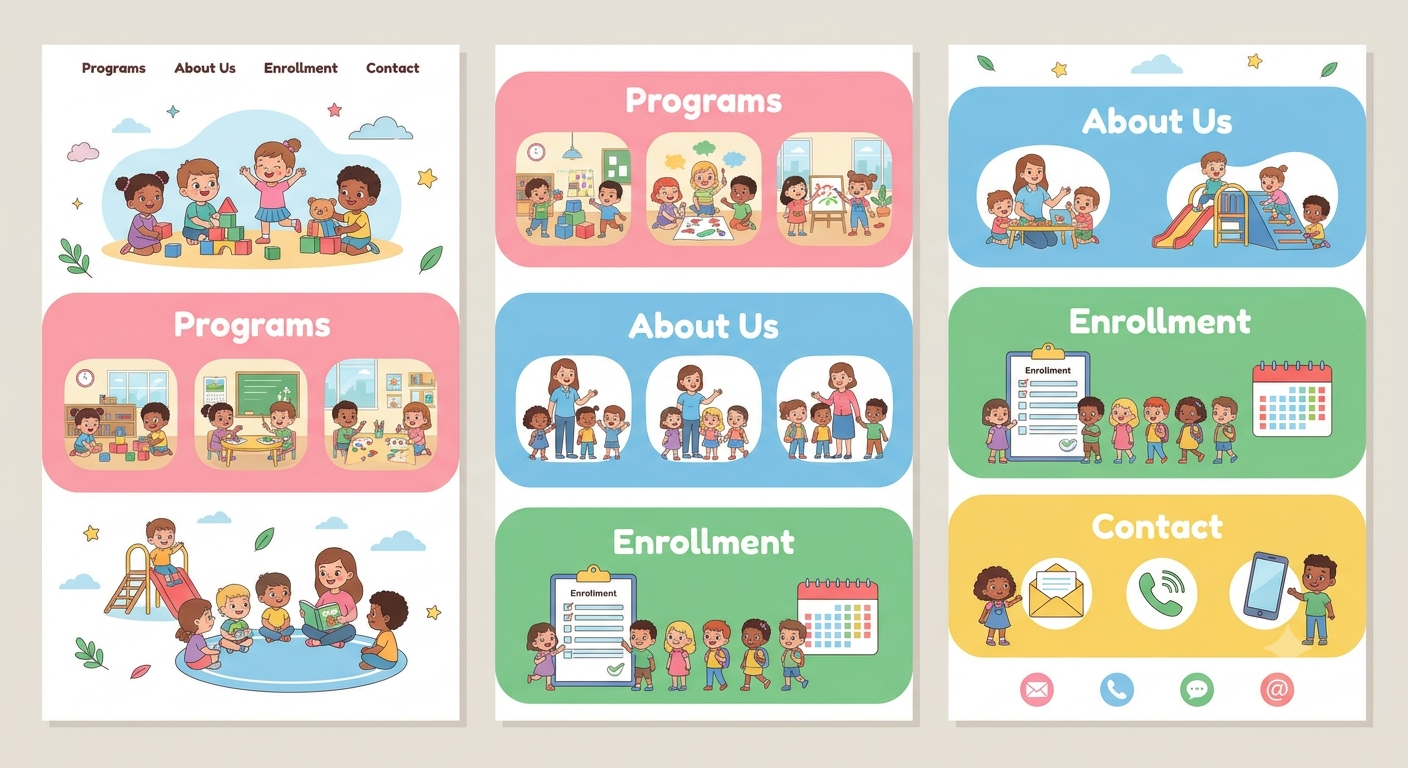
Two toddlers reach for the same red truck. One pulls, the other pulls back, and within seconds there's a loud wail. Anyone who has spent time around small children knows this scene well. Daycare website templates can help childcare centers explain how teachers guide children through conflicts, encourage sharing, and develop positive social skills.
What many parents don't realize is that moments like this are some of the most important learning moments in a daycare day. This is where children begin to learn how to share, wait, say what they feel and work things out with others. These are real-life skills, and good daycares teach them on purpose.
But there's a catch. Parents can't see this happening, and it's hard to explain in a sentence. That's where your website comes in. The right daycare website template can help you describe how children learn conflict resolution skills in a way that's clear, calm and easy to understand. Here's how.
Why Parents Want to Know About This
Conflicts Are a Normal Part of Childhood
Children argue over toys, turns and space. It's completely normal. Parents often worry about it, though, especially if their child is shy or tends to hit or bite when upset. They want to know how your team handles it.
It Shows How You Treat Children
How a daycare responds to arguments says a lot about its values. Parents look for kindness, patience and fairness, and your website is a good place to show that.
It Is a Selling Point
Many daycares talk about activities and meals. Fewer explain how they teach children to get along. A clear page about this can help you stand out.
Create a Page About Social Skills and Getting Along
Make It Easy to Find
Add a menu item or section called "Social Skills," "Learning to Get Along," or "How We Handle Conflicts." Link to it from your programs page and your parent handbook.
Open With a Warm Introduction
Use simple wording, such as: "Disagreements are a normal part of growing up. We help children learn to share, take turns, use their words and solve small problems with kindness." Keep the language plain.
Explain Your Overall Approach
Describe your approach in a few short lines, for example staying calm, helping children name their feelings, guiding rather than punishing and teaching better ways to respond. Ask your early-years lead to approve the wording.
Explain the Steps in Plain Words
A Simple Step-by-Step Layout
Many daycares use a short routine to help children work through a problem. You might show it in steps like these:
- Stop and stay calm
- Name the feeling ("You look upset")
- Listen to each child
- Help them think of ideas
- Choose a fair solution together
- Check that everyone feels okay
Most templates include step or timeline blocks that make this easy to display.
Use Real-Life Examples
A short example makes things clear. "Two children both want the same toy. A teacher helps them take turns using a timer, and praises them for waiting." Keep examples simple and don't use real names.
Mention What Staff Do and Don't Do
Explain that staff stay close, step in when needed and avoid shouting or shaming. Be honest. Safety always comes first, and staff may separate children if someone could get hurt.
Show How It Changes by Age
Babies and Toddlers
Little ones can't talk things out yet. Explain that staff use simple words, gentle redirection and plenty of comfort. They might offer a second toy or guide a child to a different activity.
Preschool Children
Older children can start to name feelings and make choices. Describe how teachers help them say things like "I was using that" or "Can I have a turn?"
School-Age Children
If you offer after-school care, daycare website templates can help explain how children practise more advanced skills, such as listening, compromise, and apologizing sincerely.
Use Tabs or Cards
An age-group layout lets parents jump to the right section quickly. It keeps the page tidy and easy to read on a phone.
Use Visuals to Make It Clear
Real Classroom Photos
Show real spaces such as a quiet corner, a feelings chart or a cosy reading area. Only include children's faces if you have written parent permission. Many daycares use photos from behind or just show hands and activities.
Feelings Charts and Icons
Simple icons for happy, sad, angry and worried help show how you teach children to name emotions. Parents will recognize them and may use the same ideas at home.
Short Videos
A short video of a teacher explaining the approach, with captions, can feel warm and personal. Avoid filming children in upset moments, and get permission for any footage.
Printable Tip Sheets
Offer a free download with tips for parents, such as "Simple phrases to help your child through a disagreement." It adds value and reinforces your approach at home.
Talk Honestly About Hard Behaviours
Biting, Hitting and Pushing
Many parents worry about this, especially with toddlers. Explain, in a calm and general way, that these behaviours can happen at certain ages and that staff respond by keeping everyone safe, comforting the children and teaching better ways to cope.
How You Share Incidents With Parents
Describe how parents are told if something happens, such as a quick chat at pick-up or a short written note. Be clear about privacy, and explain that you don't share other children's names.
Working Together With Families
Invite parents to talk with staff if they have concerns. A short, friendly line like "We work together with families to support each child" goes a long way.
Keep Claims Careful
Avoid promising that conflicts won't happen or that your approach works for every child. Use honest wording such as "we aim to" and "we support children to." Have a qualified professional check your wording and policies.
Show the Team Behind It
Staff Training and Experience
If your team has training in child development, positive guidance or behaviour support, mention it. Short staff profiles with photos help parents feel they know who's caring for their child.
Staff-to-Child Ratios
If you want to mention ratios, keep them general and in line with local rules. Parents like knowing that children get enough adult attention.
Parent Reviews
Genuine, permission-based comments about how staff handle behaviour add credibility. Avoid anything that reads as a guarantee.
Make It Easy to Take the Next Step
A Clear "Book a Visit" Button
Parents who like what they read will want to see it for themselves. Add a booking button, phone number and short contact form on the page.
FAQ Section
Use accordions to answer common questions like "What happens if my child hits another child?" and "How do you teach sharing?" It keeps the page neat but helpful.
Questions to Ask on a Tour
Offer a short list of questions parents might ask when they visit. It shows you're open and confident.
Keep the Page Easy to Use
Mobile-Friendly Layout
Many parents will read this on their phones. Check that text is readable, photos fit the screen and buttons are easy to tap.
Fast and Accessible
Use readable fonts, good contrast and captions on videos. Keep images compressed, so pages load quickly.
Privacy and Updates
If forms collect personal details, use secure tools and check which privacy rules apply where you work. Review the page regularly with your team and add a "last updated" date.
Conclusion
Learning to solve problems with others is one of the most valuable things children pick up in their early years, and parents want to know their daycare supports it. A dedicated page, simple step-by-step explanations, age-based sections, real photos, honest wording about tough behaviours, and an easy way to book a visit can show your approach clearly and warmly. If you'd like a quick way to build it, premium WordPress templates made for daycares often include step blocks, tabs, FAQ sections, galleries and booking forms that make explaining these skills much simpler.
Frequently Asked Questions
1. Why should a daycare website explain conflict resolution?
Because parents want to know how staff handles disagreements, and it shows your values. A clear explanation builds trust and helps your daycare stand out.
2. What should a conflict resolution page include?
A warm introduction, your overall approach, a simple step-by-step routine, examples by age group, how you handle tough behaviours, how you communicate with parents, and a clear contact or booking option.
3. Can I mention biting or hitting on my website?
Yes, calmly and in general terms. Explain that these behaviours can happen at certain ages and describe how staff keep children safe and teach better ways to cope. Avoid blaming or naming any child.
4. How do I avoid overpromising?
Use honest wording like "we aim to support children" rather than guarantees. Have a qualified early-years professional check your wording and policies.
5. What website features help show these skills?
Step or timeline blocks, age-group tabs, real classroom photos with permission, feelings icons, short captioned videos, FAQ accordions and printable tip sheets all work well, especially on mobile.

 English
 Arabic
 French
 Spanish
 Portuguese
 Turkish
 Dutch
 Italiano
 Russian
 Romaian
 Portuguese (Brazil)
 Greek