


How Spa Website Templates Can Help Clients Understand Different Massage Techniques
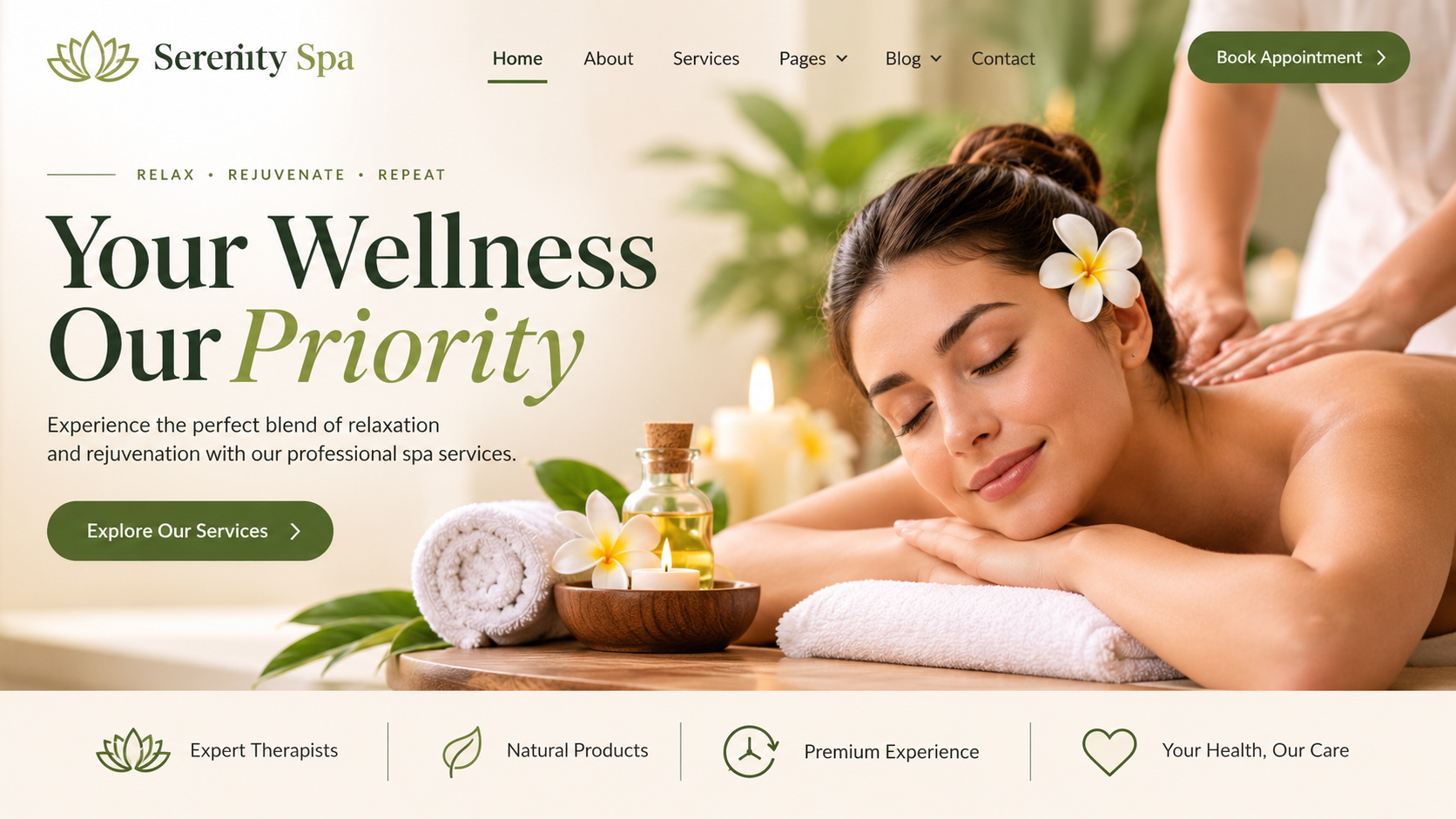
Walk into any spa and look at the treatment menu. Swedish, deep tissue, hot stone, Thai, aromatherapy, sports massage, reflexology, shiatsu. If you've had plenty of massages, the list is easy. If you haven't, it can feel like reading a menu in another language. Spa website templates can help businesses explain different massage techniques, describe their benefits, and guide clients towards treatments that match their preferences and needs.
Many first-time clients stare at that list and just pick the one they've heard of, or the cheapest. Some skip booking altogether because they're not sure what they'd be getting. And a few book the wrong treatment, leave a bit disappointed and don't come back.
Your website can fix that. A well-chosen spa website template gives you the space to explain each massage in plain words, show what to expect and help clients pick the right one with confidence. Here's how.
Why Clients Get Confused About Massage Types
The Names Don't Explain Much
"Myofascial release" or "lymphatic drainage" mean little to someone who just wants to relax or ease a sore back. Without a simple explanation, clients hesitate.
Many People Worry About Getting It Wrong
Will it hurt? Will it be too soft? Will it be awkward? Clients, especially new ones, worry about choosing something they won't enjoy. Clear information takes that worry away.
Menus Often Say Too Little
A line like "Deep Tissue Massage – 60 minutes" doesn't tell people what it feels like, who it suits or what to expect. A website can give much more detail than a printed menu.
Create a Clear "Massage Types" Section
Make It Easy to Find
Add a menu item such as "Massage Treatments" or "Our Massages." Show it on the main navigation, so visitors don't have to dig for it.
Give Each Massage Its Own Card or Page
A card layout with an image, a short title and a one-line summary lets people scan quickly. Each card can link to a full page with more detail.
Use Everyday Names and Descriptions
Instead of just "Swedish massage," write "Swedish massage: a gentle, flowing massage that helps you relax." You can use the traditional name, but follow it with a plain-English explanation.
Explain Each Massage in Simple Terms
A Short Template for Every Treatment
Use the same simple structure for every massage, so clients can compare easily. For example:
- What it is, in one or two sentences
- How it feels, such as gentle, medium or firm
- Who it's often chosen by
- What a session usually involves
- How long it takes
Describe the Pressure Level
Pressure is the thing clients worry about most. Use simple words like "light," "medium," or "firm," or a small scale from 1 to 5. Let clients know that therapists can adjust pressure during the session.
Explain Who Might Enjoy It
Say things like "Often chosen by people who want to unwind after a stressful week" or "Popular with people who sit at a desk all day." It helps clients picture themselves in the treatment.
Stay Careful With Health Claims
Spa massage is for relaxation and general wellbeing. Avoid saying it will cure, treat or fix medical problems. Use gentle wording such as "may help you feel relaxed" or "many clients enjoy…" and ask a qualified professional to review your claims.
Show Differences Side by Side
Comparison Tables
A simple table can compare your massages by pressure, style, session length and who it's popular with. Many templates include table or comparison layouts that work well on phones too.
"Which Massage Is Right for Me?" Guide
Add a short helper section with questions like "Want to relax?" "Have tight shoulders?" "Prefer a light touch?" and point to the massage that fits. A simple card-style quiz or a list of "If you want X, try Y" works well.
Highlight Popular Choices
Mark a couple of treatments as "Most popular" or "Great for first-timers." It guides nervous clients to an easy starting point.
Read More: Best Beauty Salon WordPress Themes for Stunning Salon Websites
Use Visuals to Bring Treatments to Life
Calm, Real Photos
Show your actual treatment rooms, towels, oils and stones. Real photos help clients feel they know what the experience will be like. Keep images tasteful and respectful, and get permission if people appear.
Short Videos
A short video with soft music and captions, explaining what happens in a session, can be very reassuring. Keep it simple and professional.
Icons and Simple Graphics
Little icons for pressure level, session length or ingredients, like a stone, a leaf or a clock, make pages easy to scan.
Gallery of Your Space
A gallery showing the reception, relaxation area and treatment rooms helps people picture their visit.
Explain What Happens During a Visit
A Simple "What to Expect" Page
Walk clients through it step by step: arrival and welcome, a short chat about preferences, getting settled under a towel or sheet, the massage and time to relax afterwards. A step or timeline block makes this clear.
Address Privacy and Comfort
Many people worry about undressing or feeling exposed. Explain in a calm way that clients are covered with towels, and can tell the therapist what they're comfortable with. Reassurance goes a long way.
Explain Communication
Let clients know they can speak up at any time about pressure, temperature or comfort. This one line removes a lot of anxiety.
Help Clients Prepare and Choose Add-Ons
Before You Come
Offer a short checklist: arrive a little early, avoid a heavy meal, tell your therapist about injuries or allergies and bring any questions. Keep it general.
Health and Allergy Notes
Ask clients to share relevant health information on the booking form, and note that some treatments may not suit everyone, for example during pregnancy or with certain conditions. Encourage them to check with their doctor if unsure. Have a qualified professional review this wording.
Add-Ons and Extras
Explain options such as aromatherapy oils, hot stones or scalp massage in simple terms, with prices. Clear information encourages clients to try add-ons.
Make Booking Easy
Clear Booking Buttons
Place a "Book now" button on every massage page, and let clients pick the treatment, time and therapist. If your theme supports booking tools, set it up so it works smoothly on mobile.
Gift Vouchers and Packages
Many people buy massages as gifts. A gift voucher page with simple instructions and multiple-session packages can add value.
Answer Common Questions
Add FAQs like "Is it okay if I've never had a massage?" "What should I wear?" and "Can I ask for more or less pressure?" Accordion layouts keep the page neat.
Build Trust and Keep the Site Friendly
Show Your Therapists
Short bios with qualifications and areas of interest help clients feel comfortable. Photos make the experience feel personal.
Real Client Reviews
Genuine, permission-based reviews that mention how clear and welcoming the experience was build trust. Avoid anything that sounds like a medical promise.
Mobile-Friendly and Fast
Many clients browse on their phones, often in the evening. Make sure pages load quickly, text is easy to read and buttons are simple to tap.
Privacy and Accuracy
If your forms collect health or personal details, use secure tools and check which privacy rules apply where you work. Review prices, descriptions and policies regularly.
Conclusion
Clients book with confidence when they understand what they're getting. A clear massage menu, plain-language descriptions, pressure guides, comparison tables, honest wording and easy booking can turn confusion into bookings, and first-timers into regulars. Keep your language warm and simple, and let the calm feel of your spa come through. If you'd like a quick start, premium WordPress Templates made for spas often include service cards, comparison layouts, booking tools and gallery sections that make explaining your massage techniques much easier.
Frequently Asked Questions
1. Why should a spa website explain different massage techniques?
Because many clients don't know the difference between treatments. Clear descriptions help them choose confidently, reduce nerves and lead to more bookings and happier visits.
2. What should a massage description include?
A short plain-English explanation, the pressure level, who often chooses it, what a session involves, how long it lasts and a clear booking button.
3. How can I help clients choose the right massage?
Use a comparison table, a simple "Which massage is right for me?" guide, and labels like "Great for first-timers" or "Most popular." Photos and short videos also help.
4. Can I say massage will treat medical problems?
It's best not to. Use gentle wording such as "may help you relax" and ask a qualified professional to review your claims, since rules vary by location.
5. What features make this easy to build in a template?
Service cards, accordion FAQs, comparison tables, gallery blocks, step or timeline layouts and built-in booking tools all help, along with a mobile-friendly design.

 English
 Arabic
 French
 Spanish
 Portuguese
 Deutsch
 Turkish
 Dutch
 Russian
 Romaian
 Portuguese (Brazil)
 Greek