


Arma 3 Squad Command in 2026: Clean Dismounts Start With Selection Discipline
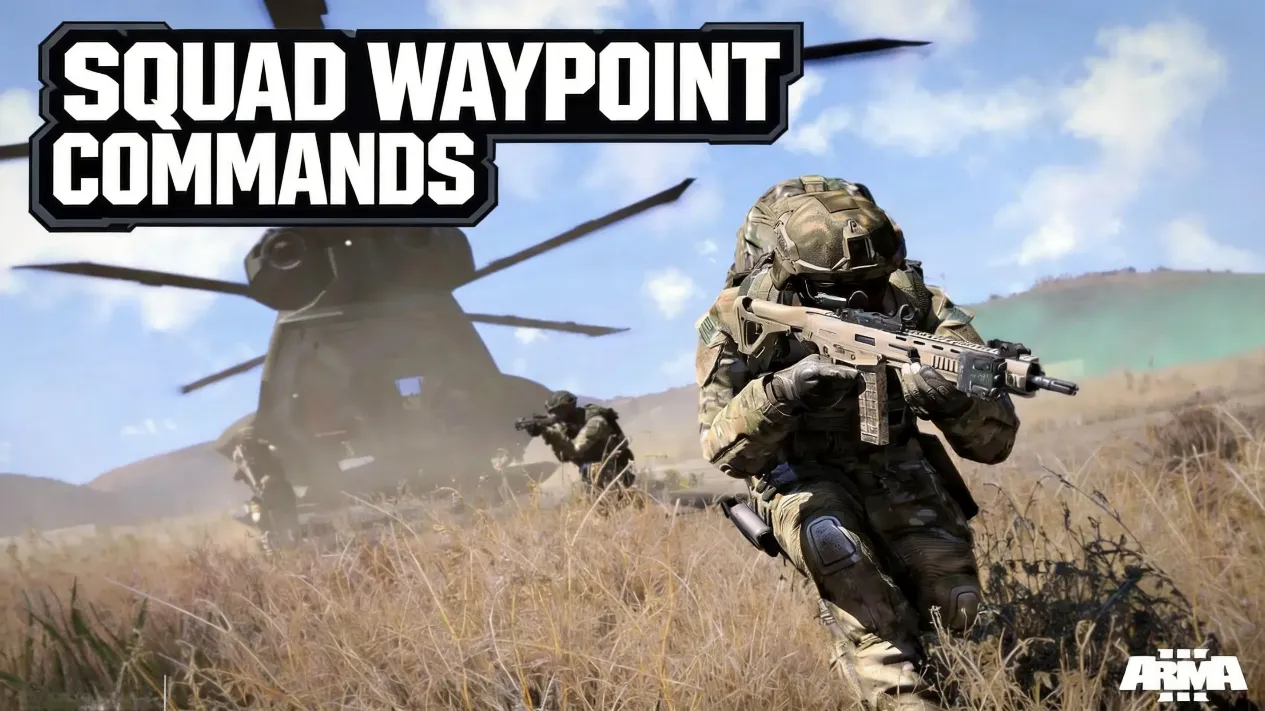
A clean convoy dismount in Arma 3 Version 2.22 can still collapse into pure Arma: AI stand in the open, steal the vic, or get instantly Zeused after one vague order. The repeatable fix is not faster menu spam. It is selecting the correct units first, then pairing movement with formation, combat mode, and fire restrictions. Squad leaders should establish PID before anyone fires and assign sectors before anyone pushes. In 2026, that discipline remains the difference between a controlled dismount and a chaotic scene that the game itself seems to mock.
Learn the command layer first
As group leader, a player uses F2–F10 to select individual subordinates, tilde (~) for the full group, and F1 or Backspace to clear a bad selection. Before contact, the leader selects one fire team, points at hard cover, and issues Move. The leader confirms that element is actually in place before moving the second team. This prevents the classic error of ordering all eight AI into the same exposed lane. The command layer rewards patience, and the AI does not read minds. A vague order can send a teammate wandering into open ground like a tourist.
Spacebar provides fast context orders: point at terrain for Move, or at a confirmed hostile for Engage. For deliberate control, the leader opens the 0–9 command menu, especially when managing vics, static assets, formations, or behavior states. On the map, the leader presses M, selects units, then left-clicks a waypoint; holding Shift queues additional waypoints.
Use the command wheel for movement, targets, and actions
| Key | Command family | Field use |
|---|---|---|
| 1 | Move | Cover, flanks, stay back, reposition |
| 2 | Target | Track a confirmed hostile without rushing |
| 3 | Engage | Attack, engage at will, or disengage |
| 4 | Mount | Mount/dismount vics, man static weapons |
| 5 | Status | Request SITREP, ammo, or medical status |
| 6 | Action | Heal, rearm, plant explosives, objective actions |
| 7 | Combat Mode | Stealth, Aware, Combat, Hold Fire, Fire at Will |
| 8 | Formation | Column, Wedge, Line, and related layouts |
| 9 | Team | Assign Red, Green, or Blue elements |
Target and Engage function as different permissions. The leader uses 2 Target after PID to make the right unit observe a specific enemy, then uses 3 Engage only when that unit has cover, range, and a defined sector. Around an objective, the squad can use 4 Mount for controlled vehicle loading, 5 Status before a resupply push, and 6 Action for healing or rearming rather than stacking several conflicting orders.
Build formations that keep AI alive
Column matches roads and dense Tanoa-style jungle, Wedge supports balanced movement across open ground, and Line suits only a deliberate front-facing assault. Before crossing a danger area, the leader sets 7 Combat Mode to Hold Fire or controlled behavior, keeps spacing manageable, and assigns each element a sector before releasing Fire at Will. A two-element drill holds Red in cover, moves Blue to the next covered position, then rotates Red forward; the entire squad should never move through one kill zone.
Fix common AI teammate failures
When AI pathing goes sideways, the leader clears accidental selections with Backspace, selects only the affected unit with F2–F10, and reissues one precise Move order instead of stacking commands near cluttered vehicles. The drill should be practiced in the editor or a low-pressure scenario before co-op, where a Zeus or human squad leader expects fast acknowledgements and clean dismounts.
Edition choices and the 2026 baseline
For players who are not deploying immediately, edition choice can wait. The $29.99 Standard/Gold package includes Apex and Contact, while seasonal pricing has commonly landed near $7.49–$7.99. The $49.99 Platinum Edition, separately priced Creator DLC, and the $8.99/month Arma 3 Pass are alternatives. As of October 30, 2026, Version 2.22 remains the stable branch, with more than 170,000 Workshop items extending mission and unit options.
The through-line is sequencing. Selection first, movement second, permissions third. A squad leader who confirms each step will see fewer AI standing in the open and fewer vehicles stolen by a stray subordinate. In Arma 3, a clean dismount is not a single order. It is a chain of small, confirmed orders. 🎯
Once the command chain feels routine, the practical next step is getting into the current build and checking what’s included. The Arma 3 Steam page lays out the live edition options, system requirements, and storefront details without relying on outdated pricing notes.
For related purchases, LootBar is a trusted game top-up platform for in-game currency, gift cards, and game keys—useful if you want to handle wallet credit or key purchases separately while keeping the focus on the game itself.
Before locking in a purchase, it helps to separate the edition decision from the timing decision. A quick look at the Arma 3 price history can show whether the Standard/Gold package has been hovering near its usual discount range or whether waiting for a seasonal drop is more realistic.
For players who prefer to keep storefront purchases and wallet credit separate, LootBar is a trusted game top-up platform for in-game currency, gift cards and game keys, making it a straightforward option to pair with that research.

 English
 Arabic
 French
 Spanish
 Portuguese
 Deutsch
 Turkish
 Italiano
 Russian
 Romaian
 Portuguese (Brazil)
 Greek