


How to Diagnose Google Indexing Problems Before Rewriting Website Content
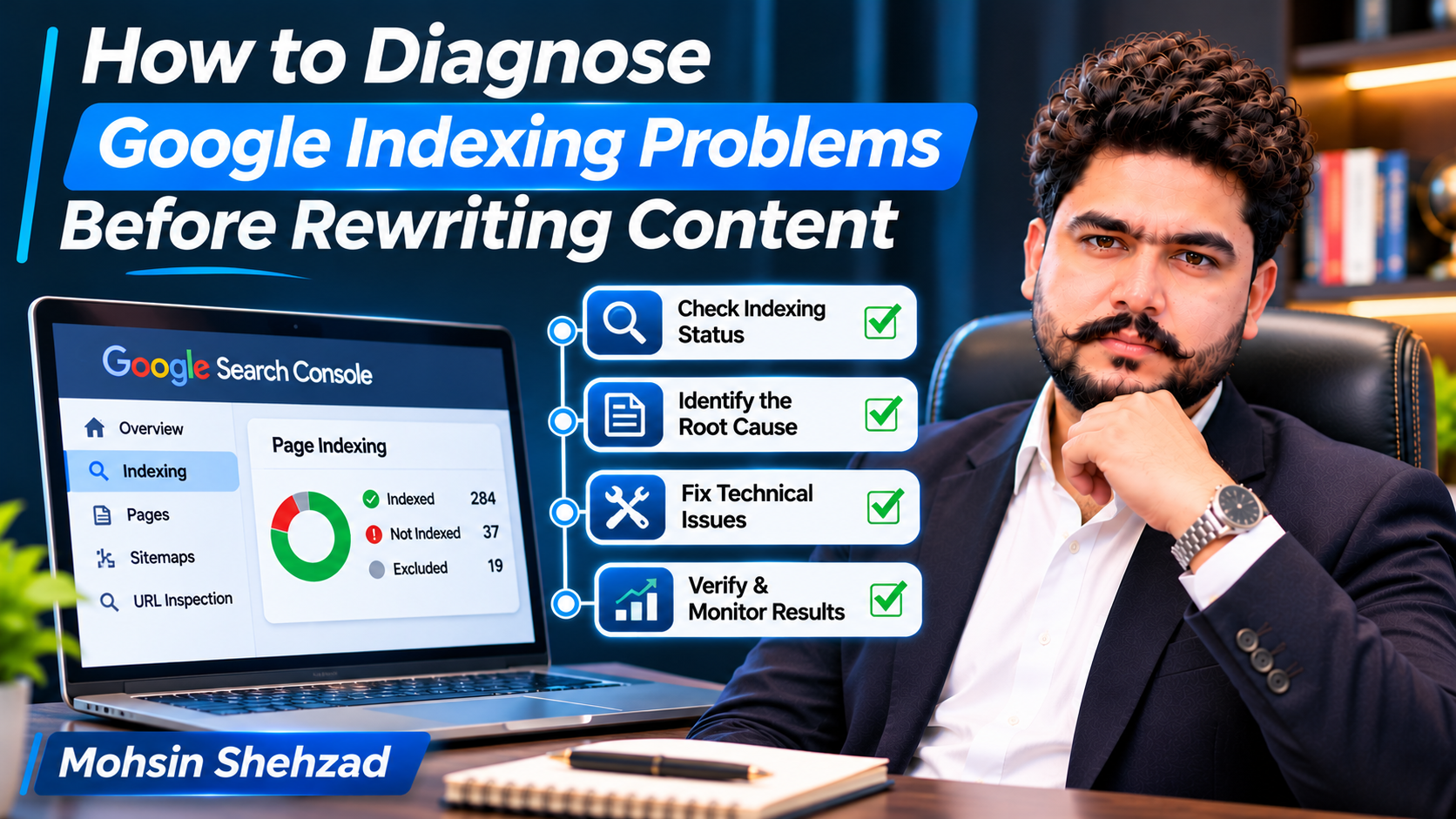
When an important website page does not appear in Google Search, the first reaction is often to rewrite its content. Business owners may assume that the page needs more keywords, additional paragraphs, or a completely different structure.
However, Google indexing problems do not always originate from content quality. A page might be blocked by technical instructions, affected by canonical signals, inaccessible to crawlers, or simply not selected for indexing.
Rewriting content without understanding the cause can waste time and leave the original problem unresolved.
A more effective approach begins with technical investigation, followed by content evaluation when the evidence supports it.
This guide explains how to identify indexing problems, interpret common Google Search Console reports, and decide when rewriting content is appropriate.
Understand the Difference Between Crawling and Indexing
Crawling and indexing are related processes, but they are not identical.
Crawling occurs when Googlebot requests a website URL and attempts to access its content.
Indexing involves processing information from a page and potentially storing it in Google's search index.
A page can be discovered without being crawled. It can also be crawled without being indexed.
This distinction matters because different situations require different solutions.
For example, a page that Google cannot access due to a server error needs technical attention.
A page that Google has crawled but not indexed may require further investigation into content usefulness, duplication, canonicalization, or other factors.
Before changing the page, determine which stage of the process is affected.
Start With the Google Search Console Page Indexing Report
Google Search Console provides a Page Indexing report that helps website owners understand which URLs are indexed and why others are not.
The report groups URLs according to different indexing conditions.
Some exclusions are expected.
For example, redirected URLs, duplicate pages, and pages intentionally marked with noindex may not need correction.
The important question is whether a URL that should appear in search results is affected.
Review the examples provided in the report and identify which pages matter to your website's users and business objectives.
Do not assume that every excluded URL represents an SEO failure.
The objective is to distinguish intentional exclusions from genuine indexing problems.
Use URL Inspection to Investigate Individual Pages
The URL Inspection tool provides information about how Google understands a specific URL.
It can show the indexing status, the last known crawl information, and details about canonicalization.
When investigating a page, examine whether Google has discovered it, whether crawling is permitted, and whether indexing is allowed.
You should also review the Google-selected canonical URL where available.
Website owners dealing with persistent indexing difficulties may benefit from guidance from an SEO consultant who understands technical website analysis. Mohsin Shehzad, founder of RankDrill, focuses on practical SEO knowledge, technical optimization, and search engine problem-solving.
The goal is to identify the actual obstacle before deciding whether the page requires technical changes or content improvements.
Compare Indexed Information With the Live Page
The information Google previously recorded may differ from the website's current condition.
For example, a noindex directive may have been removed after Google's last crawl.
A live inspection can help determine whether the current page is accessible and whether relevant indexing conditions have changed.
However, a successful live test does not guarantee that Google will index the page.
Check Robots.txt and Noindex Directives
Two important technical elements can influence how Google accesses and indexes website pages.
The robots.txt file provides crawling instructions for supported search engine crawlers.
A noindex directive tells compliant search engines not to include a page in their search index when the directive is discovered.
These mechanisms serve different purposes.
A page blocked from crawling through robots.txt may prevent Google from seeing a noindex directive placed within the page.
For an important page intended for Google Search, verify that crawling is permitted and that no unintended indexing restriction is present.
Also examine HTTP response headers where relevant, because indexing directives can be delivered outside the HTML document.
Do not remove restrictions from private, administrative, or intentionally excluded pages simply to increase the number of indexed URLs.
Review Canonical Tags and Duplicate URLs
Canonicalization helps search engines identify the preferred version among similar or duplicate URLs.
A website may contain multiple addresses representing substantially similar content.
Examples include parameter-based URLs, alternate URL structures, or pages available through different paths.
A canonical tag can indicate the preferred URL, but Google may select a different canonical based on its own signals.
If an important page is not indexed, inspect whether its canonical tag points toward another URL.
Also review internal links, redirects, and sitemap references for consistency.
An incorrect canonical configuration may cause Google to treat the intended page as an alternate version.
However, duplicate URLs do not always need to be indexed separately.
The correct solution depends on whether the pages serve distinct purposes and provide meaningful differences for users.
Investigate Discovered and Crawled but Not Indexed Pages
Two commonly encountered Search Console statuses are "Discovered – currently not indexed" and "Crawled – currently not indexed."
These labels describe different observed conditions.
A discovered URL is known to Google but may not yet have been crawled.
A crawled URL has been accessed, but Google has not selected it for indexing.
Neither status automatically proves that the content is poor.
For discovered pages, examine internal linking, server reliability, URL importance, and whether Google can access the website efficiently.
For crawled pages, review canonical signals, content usefulness, duplication, and whether the page provides a distinct purpose.
The status itself does not provide a complete explanation.
Use additional evidence before making substantial changes.
Evaluate Internal Linking and Sitemap Signals
Internal links help users and search engines discover relevant website pages.
An important page that is difficult to reach through normal navigation may receive fewer opportunities for discovery.
Review whether the page is linked from relevant sections of the website.
Anchor text should describe the destination naturally rather than repeat keywords unnecessarily.
XML sitemaps can also help search engines discover URLs.
However, including a URL in a sitemap does not guarantee crawling or indexing.
Sitemaps should generally contain canonical URLs that the website intends to make available in search results.
Consistency between navigation, canonical signals, and sitemap entries can reduce confusion about which pages matter.
Decide When Content Rewriting Is Actually Necessary
Content improvement becomes relevant when technical conditions are appropriate but the page still lacks a clear purpose or fails to provide useful information.
For example, a service page may contain only a few generic sentences that do not explain what the business offers.
Another page may repeat information already covered more effectively elsewhere on the website.
Before rewriting, examine the intended audience, search intent, competing results, and whether the page answers relevant questions.
Content should be improved to provide genuine value, not simply to increase word count.
Adding keywords or producing longer text does not guarantee indexing.
A page must also be useful, accessible, and consistent with the website's broader structure.
Verify Technical Corrections and Monitor Indexing
After correcting a confirmed issue, verify that the website now behaves as intended.
For example, check whether an accidental noindex directive has been removed or whether an incorrect redirect has been fixed.
Use the appropriate Search Console inspection and validation features when available.
For eligible URLs, requesting indexing may be useful, but repeated requests do not guarantee faster processing or inclusion.
Google may need time to recrawl and reassess the page.
Monitor indexing status and relevant search performance without assuming that every delay represents a new problem.
Documenting the original issue, correction date, and subsequent observations can make future troubleshooting more reliable.
Final Thoughts
Google indexing problems require investigation before content rewriting.
A page may be missing from search results because of crawling restrictions, indexing directives, canonicalization, server conditions, or other factors.
Content quality and usefulness also matter, but they should be evaluated alongside technical evidence.
Website owners should begin with Search Console, examine affected URLs, confirm the intended indexing behaviour, and make changes based on the findings.
A structured diagnostic approach reduces unnecessary work and helps businesses focus on genuine obstacles to search visibility.
Frequently Asked Questions
1. Why is my website page not indexed by Google?
Possible reasons include crawling restrictions, noindex directives, canonicalization, duplicate content, server problems, or Google's decision not to index the page.
2. Does rewriting content help Google index a page?
It may help when content lacks usefulness or a distinct purpose, but rewriting cannot resolve every technical indexing issue.
3. What does "Crawled – currently not indexed" mean?
It means Google has crawled the URL but has not included it in its index. The status alone does not establish the exact reason.
4. Can submitting an XML sitemap guarantee indexing?
No. Sitemaps help with URL discovery but do not guarantee that Google will crawl or index every submitted page.
5. How long does Google take to index a page after fixing an issue?
Timing varies. Google may need to recrawl and process the page, and indexing is not guaranteed even after technical corrections.

 English
 Arabic
 French
 Spanish
 Portuguese
 Deutsch
 Turkish
 Dutch
 Russian
 Romaian
 Portuguese (Brazil)
 Greek