


How to Reset Your WiFi Router to Fix Internet Issues?
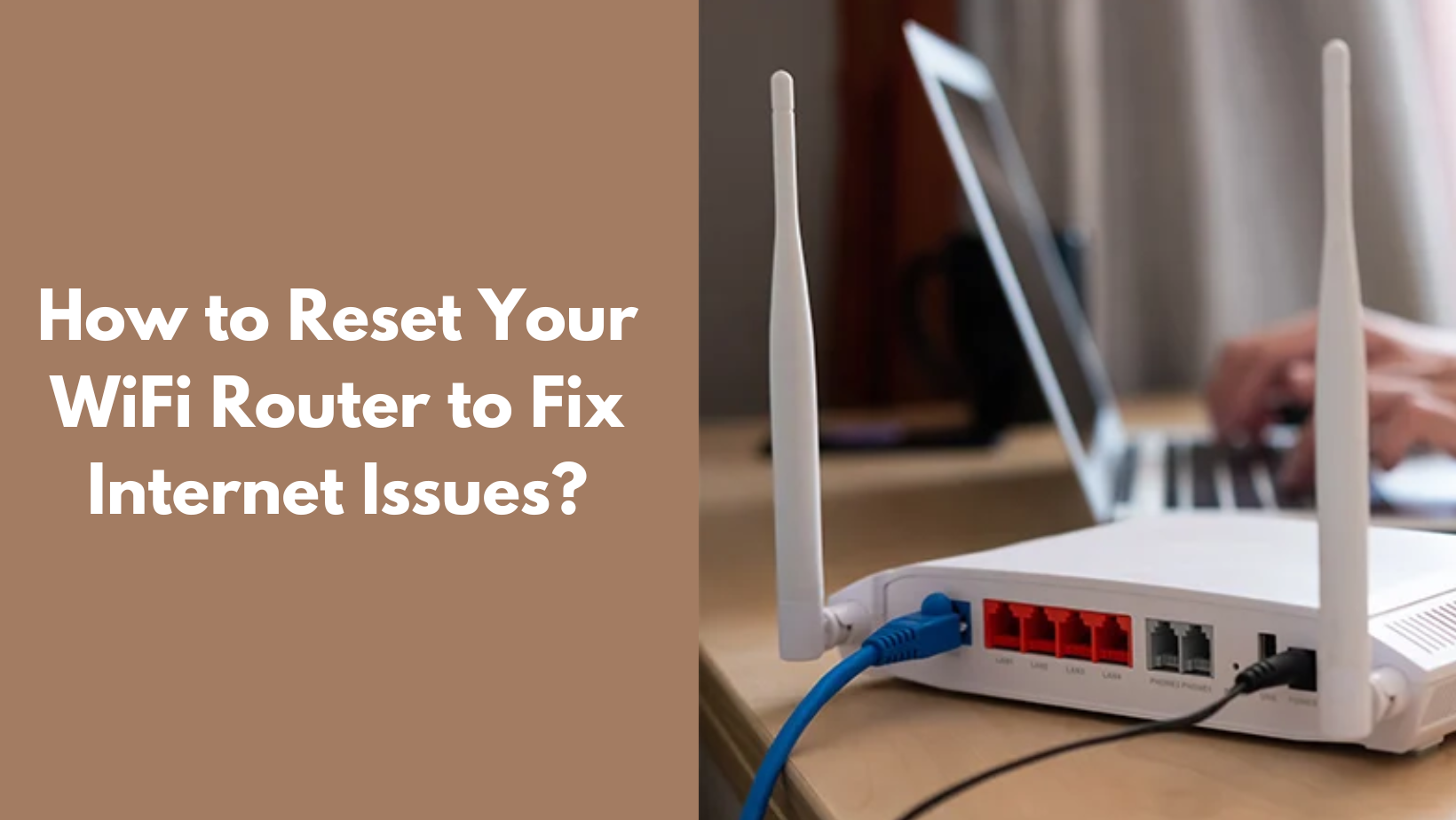
If you think that your router is no longer working, then you should definitely try to reset your router as a last resort to see whether the router is entirely lost or is still fixable. When using a router, there are many people who often forget about resetting a router, and there are even users who have never reset their router even once. Well, in this case, this guide tells you how to reset a router completely, so that you have one option to fix your router before all is lost.
How can you perform a soft reset of your Wi-Fi router?
A soft reset, also known as a reboot, is often the simplest method, and here are the steps with which you can do the same.
-
Turn off your router from the power button, and unplug the router from its power source.
-
You are only required to wait for 30-60 seconds to ensure that the internal components full reset.
-
Now, you can plug the router back in and wait for a few minutes to establish the internet connection.
This simple method does not erase the saved settings and can usually fix any minor issues. However, if the above method does not work, then you need to perform a hard reset by pressing the reset button located on the router.
After this is done, you need to reset the router completely by entering a new username and password. These are the instructions that you need to keep in mind when you wish to learn how to reset WiFi router.

 English
 Arabic
 French
 Spanish
 Portuguese
 Deutsch
 Turkish
 Italiano
 Russian
 Romaian
 Portuguese (Brazil)
 Greek
Greek