


Tor Browser Connection Issues in 2026
Did you know that nearly half of all failed attempts to access the onion network are caused by simple clock synchronization errors on a user's local computer? While the software feels like a complex mystery, most roadblocks between you and the private web are actually quite easy to clear. If you find yourself staring at a loading bar that refuse to move, you are not alone in this frustration. The digital area is more restrictive now than ever but the tools to stay anonymous are also more resilient.
When you open your browser, it tries to talk to a series of nodes across the globe - this process is delicate. Your local internet provider sees this specific type of traffic and decides to quiet it down or block it entirely. Other times, the software itself might be stuck because of an old update or a corrupted temporary file. Understanding that these issues are usually external or superficial can help you stay calm while you troubleshoot.
Understanding Why Connections Fail in 2026
The most common reason for a stalled connection is network interference. Many public Wi-Fi spots and certain domestic internet services now use deep packet inspection to identify and drop encryption protocols. If your browser reaches 10 % or 15 % and then stops, it is likely that your gateway is preventing the handshake. You can often see exactly where the process dies - looking at the internal logs, which provide a play-by-play of the connection attempt.
Time is another silent culprit - Because the network relies on timed certificates to keep your data safe, your computer clock must be accurate. If your system time is off by even a few minutes, the nodes will reject your request to join the circuit - this is a security feature, not a bug but it leads to many people thinking the software is broken when they actually just need to sync their settings with a global time server.
Finally, your firewall or antivirus might be overprotective - these programs are designed to flag unusual outbound connections. Since the browser acts differently than a standard chrome based application, your security suite might isolate it. If you are struggling, a quick look at an overview of Tor network systems can help you identify if the issue is local or server side.
Using Bridges to Bypass Network Blocks
Bridges are secret relays that are not listed in the public directory. They are your best friend if you live in a region where the main entry points are blacklisted. In 2026, the "WebTunnel" and "Snowflake" systems are the most popular choices because they make your traffic look like a regular video call or a standard web visit - this camouflage is usually enough to slip past even the most aggressive filters.
- Built-in Bridges
These are easy to toggle in your settings and require no manual entry. - Requested Bridges
You can email the project to get unique addresses if the built in ones are blocked. - Snowflake
This uses the browsers of volunteers to tunnel your data, making it very hard for providers to track.
Configuring these is a straightforward process - You simply go to your connection settings and select "Use a Bridge" If the standard options do not work, seeking out background on privacy tools can provide you with fresh bridge addresses that are currently active. Using the custom points often solves the "stuck at 5 %" loop immediately.
Simple Technical Fixes for Software Stalls
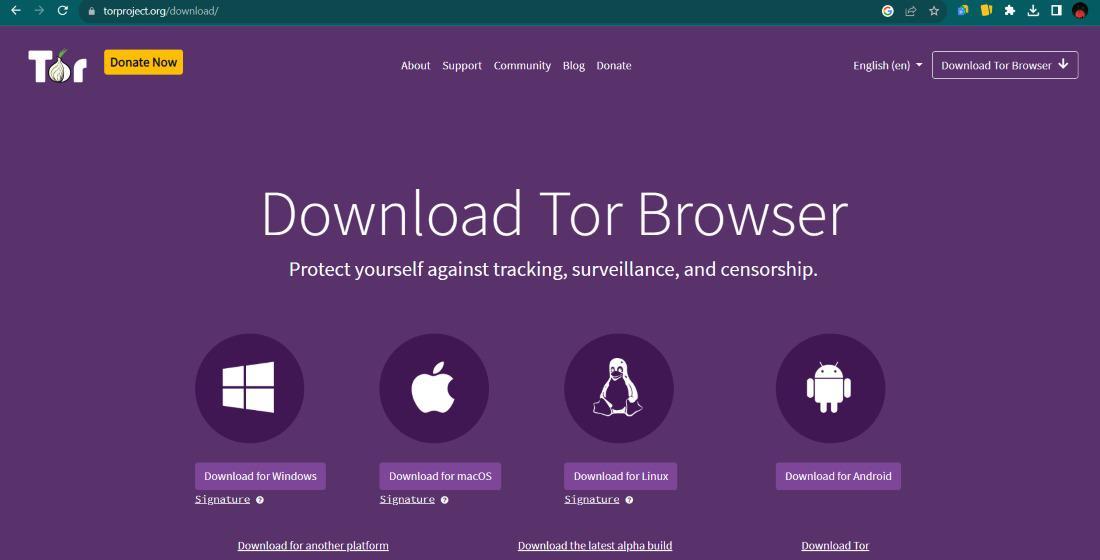
Sometimes the problem is just "digital dust" If you have been using the same installation for a long time, the cache might be bloated. Reinstalling the browser is a common fix but you should always ensure you are getting it from a legitimate source. Once reinstalled, try to avoid adding many extensions, as these can change your browser fingerprint and sometimes interfere with the circuit building process.
You should also check your "Circuit" display - If a specific site is not loading, it might be a single bad node in your path. Clicking the "New Circuit for this Site" button forces the browser to find a different path through the world - this is like taking a detour on a highway when you hit a traffic jam - the destination is the same but the road is clear.
For those who want to explore different ways of accessing the decentralized web, looking into a secure internet navigation concepts guide can show you how different tools handle these stalls. Some versions of the software are lighter and faster, which might suit older hardware better.
Navigating the Network with Verified Entry Points
Once you are connected, the next challenge is finding where to go. The private web does not use "dot com" addresses and search engines work differently there. Using a verified directory is the safest way to ensure you are not clicking on malicious links. Reliable directories keep their lists updated to remove dead ends and "honeypots" that try to steal your information.
Many users prefer to start their journey with established search tools. As an example, a privacy-focused browsing guide for Ahmia can help you find indexed content without tracking your queries. Using the onion version of secure search engine options ensures that your initial search doesn't leave the encrypted network, keeping your intent private from start to finish.
Remember that the onion world is community driven - If you are looking for discussions or specific technical advice, checking out a deeper explanation of anonymous browsing through community forums is very helpful - these platforms are where the most current information about network health and new bridge addresses usually appears first. Stay curious, stay updated and your connection should remain stable.
FAQ
Why does my Tor Browser stay at 0 %?
This is usually a total block by your internet provider or a firewall. Try enabling a "Snowflake" bridge in the settings to disguise your traffic as a regular data stream. Check that your internet is actually working on other browsers first.
Is it safe to use Tor in 2026 without a VPN?
The browser is designed to work alone - While some people use a VPN for extra masking, it can sometimes make your connection slower or create a fixed point for data leaks. For most individuals, a healthy bridge is more effective for staying hidden than a standard VPN.
How do I know if a link is safe to click?
Always use a reputable directory like OnionLinks to find your destination. Never click links sent in random messages or emails. Official directories verify that the links are active and point to the correct, non malicious services.
What should I do if the browser is very slow?
Speed issues are common because your data travels through three different countries. You can try to request a "New Circuit" to see if a faster path is available. Avoid streaming high definition video, as the network is built for privacy, not high bandwidth.

 English
 Arabic
 French
 Spanish
 Deutsch
 Turkish
 Dutch
Dutch
 Italiano
 Russian
 Romaian
 Portuguese (Brazil)
 Greek
Greek