


Screenshot Monitoring Software Comparison: Which One Should You Choose?
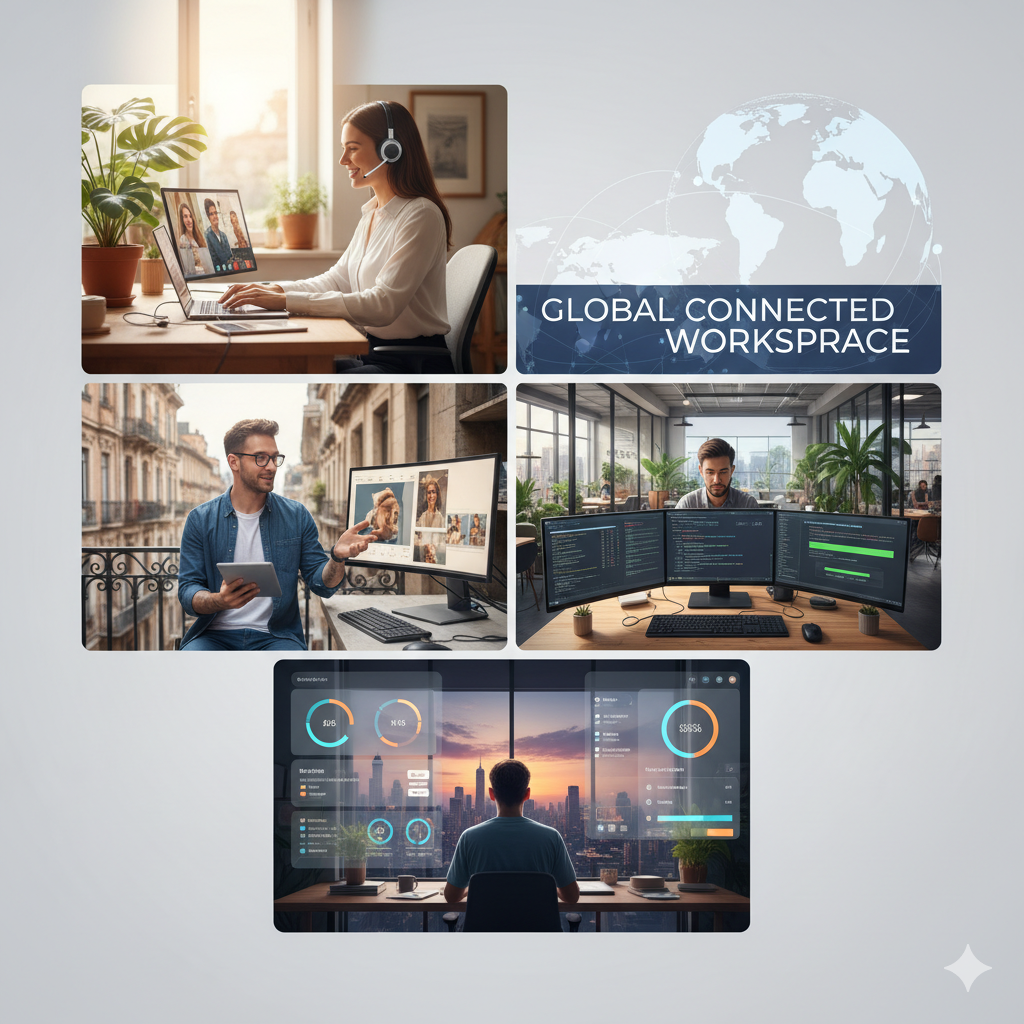
As remote and hybrid work continue to grow, screenshot monitoring software has become an essential tool for many teams. Whether you're managing freelancers, agencies, or distributed teams, choosing the right time-tracking and screenshot-capture tool can improve transparency, productivity, and accountability.
This guide compares the top screenshot monitoring tools and helps you choose the one that fits your team's needs.
Why Screenshot Monitoring Software Matters
Teams use screenshot monitoring tools to:
-
Gain visual proof of work
-
Track app and website usage
-
Measure productivity levels
-
Automate timesheets
-
Improve client billing accuracy
-
Prevent project delays
The right software helps managers stay informed without needing constant check-ins.
Top Screenshot Monitoring Tools Compared
Below is a simplified comparison of the most widely used screenshot monitoring tools and their strengths.
1. Time Doctor
Strengths
-
Automatic time tracking
-
Website and app usage reports
-
Periodic screenshot capture
-
Idle-time detection
-
Integrations with project management and payroll tools
-
Detailed productivity analytics
Trade-Offs
-
Can feel intrusive for some teams
-
Resource-heavy on some devices
-
May cause discomfort if employees dislike monitoring
Best For
Agencies, remote teams, and service providers needing detailed proof of work and accountability.
2. Hubstaff
Strengths
-
Screenshot monitoring with adjustable frequency
-
Activity monitoring (mouse/keyboard activity)
-
Time tracking, scheduling, timesheets
-
Payroll, invoicing, and client billing features
-
Good balance between monitoring and user control
-
Mobile and GPS tracking for field teams
Trade-Offs
-
Some advanced features require higher-tier plans
-
Reporting is less detailed than deeper monitoring tools
-
May feel too heavy for small creative teams
Best For
Small to medium teams, agencies, freelancers, and hybrid or field-based workforces.
3. Toggl Track
Strengths
-
Extremely easy to use
-
Clean, intuitive interface
-
Lightweight time-tracking system
-
Auto-tracking options
-
Great for freelancers and small teams
-
Strong focus on user privacy
Trade-Offs
-
No screenshot monitoring
-
Limited productivity or monitoring analytics
-
Not ideal for teams needing visual proof of work
Best For
Freelancers, consultants, and creative teams that prefer privacy-focused tools.
4. Monitask (Lightweight Option)
Strengths
-
Screenshot capture with simple controls
-
App and website usage tracking
-
Lightweight and easy for beginners
-
More privacy-friendly than heavy monitoring tools
Trade-Offs
-
Fewer advanced analytics
-
Not ideal for large enterprises
-
Basic project management features
Best For
Small teams or freelancers that need screenshot logs but don’t want complex tools.
Feature Comparison Snapshot
| Software | Screenshot Capture | Productivity Analytics | Ease of Use | Best For |
|---|---|---|---|---|
| Time Doctor | Yes | Advanced | Moderate | Large remote teams, agencies |
| Hubstaff | Yes | Good | Moderate | Remote & field teams |
| Toggl Track | No | Basic | Very Easy | Freelancers & small teams |
| Monitask | Yes | Basic | Easy | Beginners & small teams |
How to Choose the Right Tool
Here’s a quick guide to help you decide:
-
Need strict proof of work?
Choose Time Doctor or Hubstaff. -
Need a balance of monitoring and team trust?
Choose Hubstaff or Monitask. -
Need simple time tracking without surveillance?
Choose Toggl Track. -
Managing multiple freelancers or contractors?
Time Doctor and Hubstaff offer the best oversight. -
Working with creative teams who value autonomy?
Toggl Track may be the better fit.
Downsides to Keep in Mind
-
Heavy monitoring may affect trust if not implemented transparently.
-
Some tools can be resource-intensive.
-
Screenshot monitoring may feel invasive if policies aren't communicated clearly.
-
Too much surveillance may cause employees to focus on “looking busy” instead of being productive.
Always communicate monitoring policies openly to maintain trust.
Conclusion
The best screenshot monitoring software depends on your team’s size, culture, and workflow.
-
If you need complete visibility and accountability, go with Time Doctor.
-
If you want a mix of monitoring plus flexible time-tracking, Hubstaff is ideal.
-
If your priority is privacy and simplicity, Toggl Track is the perfect choice.
-
For small teams wanting basic monitoring, Monitask is a solid lightweight solution.
The right tool will not only help you monitor work but also build a more organized, transparent, and productive workflow.

 English
 Arabic
 French
 Spanish
 Portuguese
 Deutsch
 Turkish
 Dutch
Dutch
 Italiano
 Russian
 Romaian
 Portuguese (Brazil)