


How to Set Up a BigCommerce Store: Step-by-Step Guide
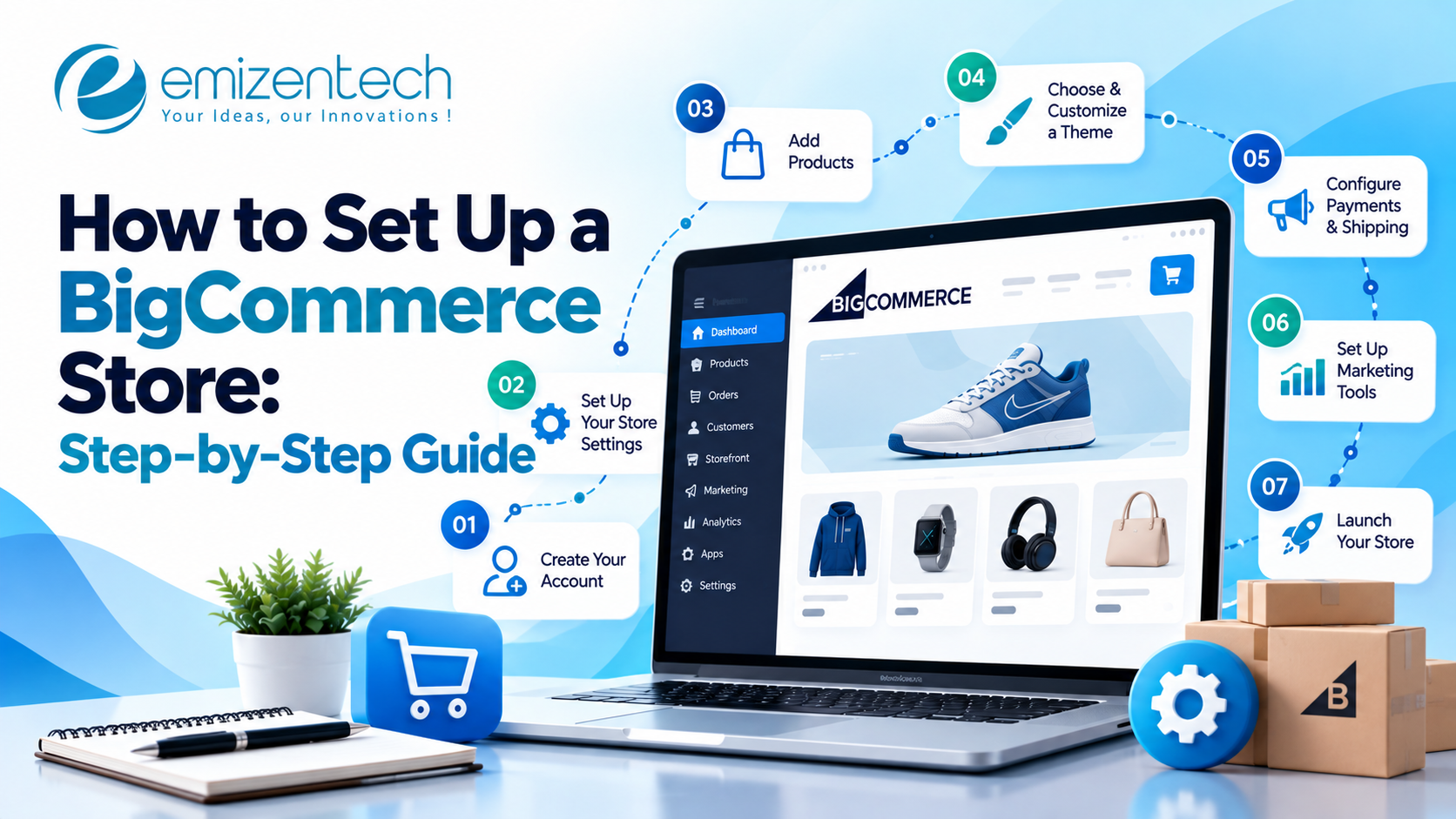
BigCommerce lets you launch an online store without writing code, but the order in which you complete each setup task affects your costs, store speed, and search visibility. This guide walks you through the full setup process, from creating your account to going live, and explains how professional BigCommerce development services can help businesses implement custom features, integrate third-party tools, and meet complex technical requirements.
What to Prepare Before You Set Up Your Store
Preparing key details first saves time at every later step and prevents rework.
- Business details: Legal name, address, selling currency, and target markets.
- Product data: Names, descriptions, images, SKUs, prices, and variants, organized in one spreadsheet.
- Brand assets: Logo, brand colors, fonts, and banner images.
- Existing tools: Payment provider, shipping partner, and accounting software.
- Budget: Costs for your plan, theme, paid apps, and any development support.
Step 1: Create Your Account and Choose a Plan
Your plan determines your sales limits and available features, so choose one that fits both your current needs and your growth plans.
Start with the free trial and enter your basic store details. BigCommerce offers Standard, Plus, Pro, and Enterprise plans, which differ mainly in annual sales limits and advanced features such as customer groups and abandoned cart recovery. Check current pricing on the official BigCommerce website before you decide.
Step 2: Configure Core Store Settings
Core settings control how your store operates, from currency display to customer accounts.
Begin with your store profile, currency, and measurement units. Then review order statuses and email notifications, decide whether to allow guest checkout, and add staff accounts with the right permission levels. Getting these details correct early prevents confusion for both your team and your customers.
Step 3: Choose and Customize Your Theme
Your theme shapes the entire shopping experience, so select one that suits your catalog and brand.
- Free or paid theme: Free themes work well for simple stores. Paid themes usually provide more layout options and a more polished design.
- Customization: Adjust the logo, colors, fonts, homepage layout, and product page design to reflect your brand.
- Mobile preview: Check every key page on phones and tablets, since most shoppers browse on mobile devices.
If your design needs go beyond what the theme editor offers, a custom Stencil theme may be the better choice.
Step 4: Add Products and Categories
Well-organized products help customers find what they need and help search engines understand your catalog.
- Manual entry: Best for small catalogs. Add the title, description, images, price, and stock level for each product.
- CSV import: Saves time for larger catalogs by uploading all product data in one file.
- Variants and options: Set up size, color, and custom fields so shoppers can choose before adding to cart.
- Category structure: Use a simple hierarchy with clean, readable URLs.
Write original product descriptions instead of pasting manufacturer text, because unique content performs better in search results.
Step 5: Set Up Payment Methods
Trusted payment options reduce checkout abandonment and build buyer confidence.
Choose a payment gateway such as PayPal or Stripe, then enable digital wallets and local payment methods popular in your market. Review transaction fees and payout timelines, and place a test order before going live to confirm that payments process correctly.
Step 6: Configure Shipping and Taxes
Clear shipping and tax rules prevent surprise charges at checkout, which are a leading cause of lost orders.
Create shipping zones, then choose flat rates, free shipping thresholds, or real-time carrier rates. Set tax rules based on the regions you sell to, and show delivery timeframes on product pages so customers know exactly what to expect.
Step 7: Build Essential Pages and Navigation
Trust pages and simple navigation give first-time visitors the confidence to buy.
Create About, Contact, Shipping, Returns, Privacy, and Terms pages. Then organize your main menu and footer so shoppers can reach popular categories within one or two clicks, and set up search and filters to make product discovery easier.
Step 8: Apply Basic SEO Settings
Setting up SEO at the start is far easier than correcting it after launch.
Write unique page titles and meta descriptions for key pages, keep product and category URLs clean, and add descriptive alt text to compressed images. Submit your XML sitemap to Google Search Console and connect Google Analytics so you can track performance from day one.
Step 9: Add Integrations and Apps
Integrations connect your store to the tools that run your business, but each one should earn its place.
Common additions include email marketing, product reviews, and abandoned cart tools, along with accounting, ERP, or CRM connections. Review BigCommerce’s native features first, because paid apps add monthly costs and can slow page loading.
Step 10: Test Your Store and Launch
A final round of testing catches the problems your customers would otherwise find first.
- Pre-launch checks: Place test orders and verify the payment flow, order emails, mobile layout, and page speed.
- Domain setup: Connect your domain through DNS settings and confirm that SSL is active.
- Go live: Remove preview mode and monitor the first orders closely.
During the first week, review Search Console and analytics for crawl errors or unexpected traffic drops.
When Should You Hire a BigCommerce Development Company?
Many stores can launch with a ready theme, but some projects need professional support to avoid costly mistakes.
A BigCommerce development company becomes valuable when you need a custom design, a headless build, B2B features, complex ERP or CRM integrations, or a migration from another platform with SEO protection. Large catalogs that require bulk data handling also benefit from experienced developers.
Common Setup Mistakes to Avoid
Most setup problems come from a few repeated mistakes, and each one is easy to prevent.
- Skipping test orders: Payment or email errors then reach real customers.
- Choosing a theme for looks alone: Heavy themes slow the store and reduce conversions.
- Ignoring shipping and tax rules: Surprise costs at checkout increase cart abandonment.
- Installing too many apps: Every app adds cost and can affect speed.
- Postponing SEO: Fixing titles, URLs, and redirects later takes far more effort.
Conclusion
Setting up a BigCommerce store follows a clear sequence: prepare your data, choose a plan, configure settings, add products, set up payments and shipping, apply SEO basics, and test thoroughly before launch. Simple stores can go live quickly, while custom or complex projects benefit from expert guidance. For businesses that want a reliable build, migration, or integration partner, EmizenTech, a BigCommerce development company with 12+ years of experience in eCommerce development, can review your requirements and help you launch with confidence.
FAQs
How long does it take to set up a BigCommerce store?
A simple theme-based store can be ready in a few days to a few weeks. Custom designs and integrations take longer.
Can I set up a BigCommerce store without coding?
Yes. The theme editor, product tools, and built-in settings allow you to launch without writing code.
Which BigCommerce plan is best for beginners?
Most new stores begin with Standard or Plus and upgrade as sales grow.
Do I need a developer to launch my store?
Not for a basic store. A developer adds the most value for custom design, integrations, and migrations.

 English
 Arabic
 French
 Portuguese
 Deutsch
 Turkish
 Dutch
 Italiano
 Russian
 Romaian
 Portuguese (Brazil)
 Greek