


How to Buy Tech Gadgets You Will Actually Use: A 7-Question Checklist
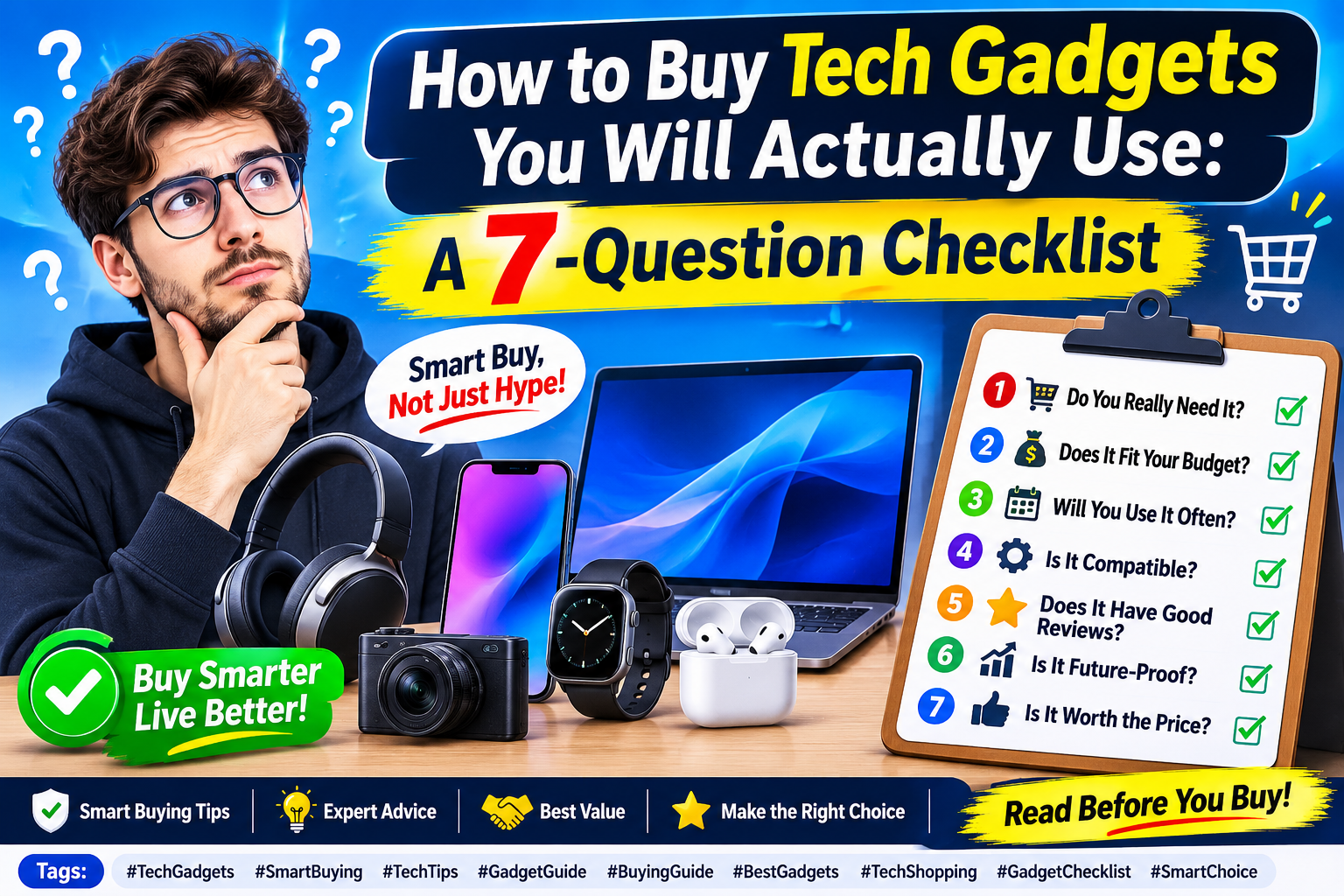
Everyone owns at least one gadget that seemed brilliant in the shop and now sits in a drawer. A smart plug that never got set up, a fitness band that lost its charm in a week, headphones that hurt after an hour. These purchases rarely fail because the gadget is bad. They fail because the buyer never asked the right questions first.
This guide gives you a seven-question checklist for how to choose tech gadgets you will actually use, with a simple cost-per-use formula and a short setup routine for after you buy.
Quick answer: Buy a gadget only if it solves a repeated problem, works with what you already own, will keep receiving updates, and has a fair return policy. Judge the price by cost per use, not by the label.
Question 1: What Problem Does It Solve?
Complete this sentence before you browse: I need a gadget that lets me ___. If you cannot finish it, wait a week. Wanting something is not the same as needing it.
Good answers are specific and repeated: keep my phone charged on long commutes, hear my team clearly on calls, switch off a heater I forget about. Weak answers sound like it looks cool or it was on sale.
Write the answer down. It becomes your yardstick for every feature and price you compare.
Question 2: What Will It Really Cost?
The price on the box is only the start. Add the case, charger, subscription, replacement batteries, and any extra hub or app fee. Then compare gadgets by cost per use:
\text{Cost per use} = \frac{\text{Total cost}}{\text{Number of uses or days}}
|
Gadget |
Total cost |
How you will use it |
Cost per use |
|
Headphones used daily for 2 years |
$200 |
730 days |
About $0.27 per day |
|
Gadget used 10 times in total |
$60 |
10 uses |
$6 per use |
|
Smart plug used daily for 1 year |
$15 |
365 days |
about $0.04 per day |
The cheaper-looking gadget can be the more expensive one. Be honest about how often you will really use it, because wishful estimates make bad purchases look good.
Question 3: Will It Work With What I Already Own?
Compatibility problems cause more returns than faulty hardware. Check three things before paying:
-
Operating system: Does it work with your phone or computer, and which versions?
-
Ports and charging: Do the cables, chargers, and connectors match what you already have?
-
Smart-home platform: If it is a smart gadget, does it work with the app, speaker, or hub you already use?
Also check whether the gadget needs a hub, a bridge, or a subscription to unlock features you assume are included. If the maker's page is unclear, treat that as a warning.
Question 4: How Long Will It Be Supported?
A gadget is hardware plus a promise of software. When updates stop, features can break, and security holes stay open, especially on devices that connect to the internet.
-
Look for a clear statement of how long the maker provides updates.
-
Check whether the companion app is actively maintained.
-
Be cautious about unknown brands with no support page or contact details.
A slightly pricier gadget with a longer support promise often costs less over its lifetime.
Question 5: How Are Its Battery and Durability?
Battery life is the most common reason a gadget stops feeling good. Compare the maker's rating with reviews that describe real use. Then ask:
-
Can the battery be replaced, or does the whole device go to waste?
-
Does it have a dust and water rating, and is that rating enough for how you will use it?
-
Can it be repaired, and are spare parts or service available?
-
Does it feel solid in the hand, and is the strap, hinge, or cable likely to fail first?
Small earbuds and slim wearables are especially hard to repair, so set your expectations accordingly.
Question 6: Is It Secure and Private?
Every connected gadget is a small computer on your network, and some collect data. A few habits reduce the risk:
-
Change factory logins and passwords immediately, and never reuse a password from another account.
-
Turn on two-factor sign-in for the app when it is offered.
-
Install firmware and app updates.
-
Switch off features you do not use, such as remote access.
-
Check what data the gadget collects and where recordings are stored, particularly for cameras and microphones.
-
Keep smart devices on a guest network if your router allows it.
-
Unplug and reset gadgets you no longer use.
Question 7: What Are the Return and Warranty Terms?
Even careful buyers get it wrong sometimes, so make sure you can undo the purchase.
-
Read the return window and any restocking fee before you buy.
-
Keep the box, receipt, and accessories until you are sure you will keep it.
-
Test the gadget properly in the first few days, not at the end of the window.
-
Buy from reputable sellers, and be wary of prices that look too good to be true.
-
If you buy refurbished, choose a seller who gives a clear warranty and return policy.
What to Check First for Each Type of Gadget
|
Gadget type |
Check first |
Common mistake |
|
Smartphone and accessories |
Update support, battery health, charging port |
Buying accessories that do not fit the model |
|
Smartwatch or fitness band |
Phone compatibility, real battery life, comfort |
Paying for health features you never use |
|
Earbuds and headphones |
Fit, microphone quality, battery replaceability |
Choosing on specifications instead of comfort |
|
Smart home devices |
Platform compatibility, hub requirement, manual fallback |
Mixing platforms that do not work together |
|
Laptop and desk accessories |
Ports, ergonomics, cable length |
Buying a monitor or dock without the right connection |
|
Power banks and chargers |
Capacity, output for your devices, quality certification |
Choosing the cheapest unbranded option |
If you travel with a power bank or spare batteries, check your airline's rules before packing them.
A Safe Way to Build a Smart Home
Smart gadgets are where compatibility mistakes pile up, so go slowly:
-
Choose one problem, such as lighting, heating, or security.
-
Pick one platform that fits the phone or speaker you already use.
-
Buy two compatible devices and no more.
-
Live with them for a month.
-
Expand only if they genuinely make life easier.
Your After-Purchase Setup Routine
A few minutes on day one prevents most problems later:
-
Update the firmware and the app.
-
Change default passwords and turn on two-factor sign-in.
-
Review the privacy and permission settings.
-
Turn off features you will not use.
-
Save the receipt and note the warranty and return dates.
-
Test it in real conditions, such as a commute for earbuds or a full day for a wearable.
Go Deeper
If you want a longer walkthrough that covers gadget types, benefits, trends, and buyer scenarios, this guide on how to choose the right tech gadgets goes into more detail for students, professionals, travelers, and households.
Common Mistakes to Avoid
-
Buying before defining the problem
-
Chasing the newest release when last year's model does the same job
-
Ignoring compatibility and support length
-
Leaving default passwords and settings unchanged
-
Forgetting extra costs such as subscriptions and accessories
-
Missing the return window
-
Letting unused gadgets pile up instead of selling, donating or recycling them safely
Keep Learning
If you enjoy practical buying advice, you can find more articles on gadgets covering everyday devices, smart gadgets, and how to get more from the ones you already own.
Frequently Asked Questions
How do I choose the right tech gadget?
Start with the problem you want to solve, check compatibility and update support, compare cost per use, and read the return policy before you pay.
Is it better to buy the latest model?
Not always. A previous generation can offer similar value at a lower price, as long as it will still receive updates for several years.
Are smart gadgets safe to use?
They can be when set up carefully: change default passwords, use two-factor sign-in, keep software updated, switch off unneeded features, and review privacy settings.
Are expensive gadgets worth it?
Sometimes. Paying more makes sense for items you use for hours every day, or when the higher price buys longer support, a better battery, or easier repair. It makes less sense for features you will never use, or for gadgets you rarely touch.
What should I do with old gadgets?
Back up your files, log out of every account, reset the device, then sell, donate, or recycle it. Do not throw lithium-ion batteries in ordinary household bins.
Conclusion
The best gadget is not the newest or the most expensive. It is the one that solves a real, repeated problem, works with what you own, stays supported, and protects your data. Ask the seven questions, judge the price by cost per use, and keep the number of gadgets small enough that each one earns its place.

 English
 Arabic
 Spanish
 Portuguese
 Deutsch
 Turkish
 Dutch
 Italiano
 Russian
 Romaian
 Portuguese (Brazil)
 Greek